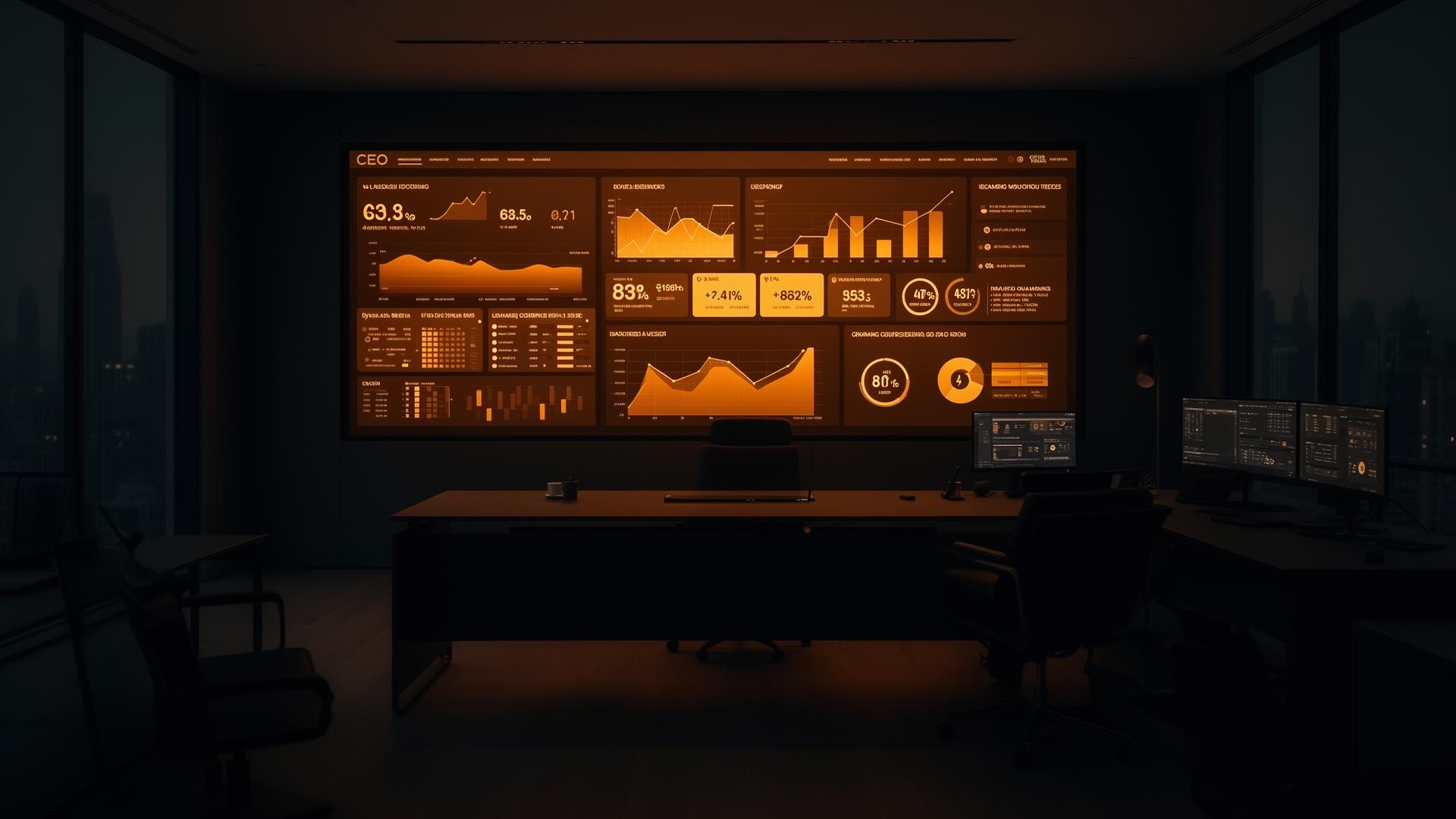
Your company runs on manual work.That is the bottleneck.
Every department runs its own tool stack. People copy data between systems all day. Reports arrive a week late. Remove the manual layer between your tools, your teams, and your numbers, with a single command center for the CEO.
The Hidden Cost
Manual operations are the single largest line item nobody tracks.
It does not show up on the P&L. It shows up as slow quarters, missed renewals, weekend closes, attrition you did not see coming, and decisions made on stale data. The cost is real. It is just spread across every team.
of payroll spent on coordination work that creates no customer value
per knowledge worker, recreating reports and chasing information
manual data transfers contain an error that reaches a customer or the books
between something changing in the business and the CEO seeing it clearly
Indicative ranges based on enterprise operations benchmarks. Actual numbers depend on company size, sector, and current tooling.
The Real Problem
Your tools do not talk to each other. Your people do.
The CRM does not know what finance just invoiced. HR does not know what engineering is hiring for next quarter. Support does not know which accounts the customer success team flagged as at-risk. So humans become the integration layer, in email, in Slack, in meetings that exist only to share information that already lives somewhere in your stack.
You do not need another tool. You need a connective layer that reads from every system, writes back to every system, and gives each team and the CEO one trustworthy view of the same numbers.
Reads, writes, reasons, and routes across every system, in real time.
Department by Department
Where the manual work hides, and how it disappears.
Six functions. The same pattern in each: a clear problem, a small set of workflows that absorb the busywork, an outcome you can measure, and the systems already in your stack.
Your pipeline lives in three tools and one spreadsheet.
Reps spend more time updating the CRM than talking to buyers. Marketing reports take a week to assemble and are out of date the moment they land. Hot leads sit in an inbox because nobody routed them.
- Lead enrichment and routing the moment a form is submitted
- Proposal and quote drafts pre-filled from CRM, pricing, and past wins
- CRM hygiene: deduping, missing-field fill, stage corrections
- One consolidated weekly performance view across CRM, ads, and web analytics
- Churn and renewal-risk signals flagged before they show up in revenue
Reps get back roughly a full day per week. Marketing reports are live, not weekly. Response time on inbound leads drops from hours to minutes.
Salesforce, HubSpot, Zoho, Pipedrive, Marketo, Google Ads, LinkedIn Ads, GA4
The work that keeps the company running is mostly invisible, and mostly manual.
Vendor onboarding takes weeks of email back-and-forth. Contracts sit in shared drives nobody can search. Travel, expenses, and meeting prep eat hours from your most expensive people.
- Vendor and partner onboarding with auto-collected KYC and compliance documents
- Document intake, classification, and routing for contracts, NDAs, POs, and invoices
- Meeting prep packs assembled from CRM, email, and prior notes
- Travel and expense reconciliation against policy, with exceptions flagged
- Internal policy and SOP question answering from your own documents
Onboarding compresses from weeks to days. Document search actually works. Your operations team stops being a human routing layer.
DocuSign, SharePoint, Google Drive, Concur, SAP Ariba, ServiceNow
Talent decisions move at the speed of your slowest spreadsheet.
Job descriptions take a week to write. Resume screening is inconsistent and slow. Onboarding checklists live in someone's head. By the time attrition shows in the dashboard, the person has already resigned.
- Job description drafting tuned to role, level, and your tone
- Resume screening with explainable shortlists and bias checks
- Interview scheduling across panels and time zones
- Onboarding checklists that trigger across IT, HR, and the hiring manager
- Attrition early-warning signals from engagement, performance, and tenure data
- Self-serve answers to policy, leave, and benefits questions
Time to shortlist drops from days to hours. New hires are productive in week one. People leaders see attrition risk a quarter early, not a quarter late.
Workday, Darwinbox, SuccessFactors, Greenhouse, Lever, BambooHR, Keka
Month-end is a fire drill. It does not have to be.
Invoices arrive in twelve formats. Three-way matching is manual. AR follow-ups depend on someone remembering. The forecast is a stitched-together set of department spreadsheets.
- Invoice capture and three-way match against PO and goods receipt
- GL coding suggestions with confidence scores and human approval
- AR follow-ups personalized by customer history and aging bucket
- Monthly close acceleration: variance commentary, intercompany reconciliations, accruals
- Rolling forecasts that consolidate from departments without copy-paste
- Audit trail on every automated action
Close cycle shortens by days, not hours. DSO improves measurably. Your finance team spends time on analysis instead of assembly.
SAP, Oracle NetSuite, Microsoft Dynamics, Tally, Zoho Books, QuickBooks
Shipping software is slower than it should be, and nobody is sure why.
Requirements get lost between product and engineering. Code reviews queue up. Release notes are written under pressure. Incidents take too long to triage because context is scattered.
- Requirement-to-ticket conversion with acceptance criteria
- Code review assistance for style, security, and obvious defects
- Release notes drafted from merged pull requests and linked tickets
- Incident triage that pulls logs, owners, and prior similar incidents
- SLA and delivery velocity tracking across teams, without a manual dashboard
- Test scaffolding for new endpoints and changed modules
Cycle time drops. Fewer regressions reach production. Engineering leaders get a real picture of where work is stuck.
Jira, Linear, GitHub, GitLab, Azure DevOps, PagerDuty, Datadog
Your support team is a leading indicator of churn. Treat it like one.
Tickets repeat themselves. Response drafts are written from scratch. Escalations bounce between queues. Nobody sees the sentiment shift until the renewal call.
- Ticket deflection for known issues, with safe handoff to a human when needed
- Response drafting tuned to customer tier and prior conversations
- Escalation routing based on topic, urgency, and account value
- Sentiment heatmap across accounts, products, and regions
- Voice-of-customer themes summarized weekly for product and CS leaders
First response time falls. Repeat ticket volume drops. The CS team stops firefighting and starts retaining revenue.
Zendesk, Freshdesk, Intercom, Salesforce Service Cloud, Front
One Source of Truth
The view every CEO wishes they had on Monday morning.
Not a static dashboard. A live operating view of the company, refreshed continuously from the systems where work actually happens. Click any tile and you are looking at the source records, the owner, and what should happen next.
- Revenue, pipeline, and cash with the same definitions across every team
- Delivery velocity and SLA risk from the actual ticketing systems
- Customer health from product usage, support volume, and renewal stage
- People pulse, hiring funnel, and attrition risk in one place
- Risk register with owners, deadlines, and audit history
- No Sunday-night spreadsheet stitching, by anyone
What Changes for the CEO
From running the company on instinct to running it on evidence.
- Weekly status decks assembled by hand, already stale on arrival
- Gut-feel decisions, defended after the fact with selected numbers
- Quarterly surprises in revenue, attrition, and delivery
- Scale by hiring more people to coordinate other people
- Tools bought, used at 20%, then replaced
- A live operating view, available the moment you open the laptop
- Evidence-based decisions, defended by drill-down to source data
- Daily signals on revenue, attrition, delivery, and customer health
- Scale by automating the coordination, not by adding to it
- Existing tools doing 10x the work, because they finally connect
How We Deliver
Live in 30 days. Company-wide in 90.
No 12-month transformation program. No platform replacement. We start with one department, prove the outcome, and expand from there.
Diagnostic
We map your tool stack, find the workflows with the highest manual cost, and agree on the first measurable outcome.
First Department Live
One function (typically finance, support, or sales ops) moves into production. Real workflows, real users, measurable savings.
Company-Wide Command Center
Cross-department workflows live. CEO Command Center connected to every system. Continuous improvement loop in place.
Everything is built inside your environment. You own every workflow, every integration, and every audit log. Nothing leaks into third-party training pipelines. Data sovereignty is the default, not an add-on.
Works With Your Stack
We connect to what you already use.
No rip-and-replace. If it has an API, a database, an inbox, or a document folder, we can read from it and write back to it.
Selection of common integrations. Custom and legacy systems supported on request.
Direct Answers
What every CEO asks before they say yes.
Click-recording scripts break the moment a screen changes. Modern automation reads documents, understands intent, calls APIs, and handles exceptions. Different tooling, different result.
Every company says this, and every company is right. We start with the workflows where messy data is still usable, then clean systematically. Waiting for perfect data is the most expensive choice you can make.
Teams resist tools that add work. They embrace tools that remove the work they hate. We design for the second outcome, and we involve the teams who will use it from week one.
Deployed inside your environment, integrated with your identity provider, with full audit trails. SOC 2, ISO 27001, HIPAA, and GDPR-aligned designs available depending on your industry.
If you have more than 50 people and more than 5 tools, the manual coordination cost is already material. Mid-size companies often see the fastest payback because their stacks are simpler.
Hiring is slow and expensive. Manual work is the easiest cost to compress, and the gap between companies that do this and companies that do not is widening every quarter.
Frequently Asked
Questions from CEOs and CFOs.
How does a CEO start automating internal operations without a 12-month transformation program?+
Start with one department, one workflow, and a two-week diagnostic. Pick a process where the manual cost is visible, the data already exists in your systems, and the outcome is measurable in 30 days. Expand from there, one win at a time, on the systems you already own.
What is back office automation and how is it different from RPA?+
Traditional RPA records clicks and replays them. It breaks the moment a screen changes and cannot handle judgment-based work. Modern back office automation reads documents, understands context, calls APIs, and handles exceptions. It works across email, PDFs, spreadsheets, and enterprise applications without brittle scripts.
How does this help our finance team specifically?+
Invoice capture, three-way matching, GL coding suggestions, AR follow-ups, and rolling forecasts that consolidate automatically. The close cycle shortens, DSO improves, and the team spends time on analysis instead of stitching spreadsheets together.
What does this look like for HR?+
Job description drafting, resume screening, interview scheduling, onboarding orchestration, and attrition early-warning signals. People leaders see issues a quarter early and spend their time on the human work that matters.
How long before we see ROI?+
The first workflow in a department typically goes live in 30 days, with measurable time and cost savings inside the first quarter. A company-wide command center for the CEO is realistic in 90 days, built on your existing tools.
Is our data safe? Where does it live?+
Your data stays in your environment. You own every model, every integration, and every audit log. We design for data sovereignty by default. Nothing is sent to third-party training pipelines.
Do we have to replace our existing tools?+
No. The automation layer sits across what you already use, whether that is Salesforce, SAP, Workday, Jira, or in-house systems. Replacement is a separate decision, not a prerequisite.
Why is this the right priority for a CEO in 2026?+
Hiring to scale is slow and expensive. Manual coordination is the single largest hidden cost in most companies. Compressing that work changes operating margin, decision speed, and the quality of every leadership conversation, in that order.
Related Reading
Go deeper on what works in production.


The companies that compress manual work this year will set the cost base for the next decade.
A 30-minute strategy call. We look at your stack, the workflows that are draining the most time, and what an honest first 90 days would look like.
Book a Strategy Call