
NeoVision
NeoVision: give plant teams useful evidence from existing cameras
Use compatible CCTV to identify configured events and route information to the responsible people. NeoVision processes video locally and helps your team review what happened, where and when. Start with the recordings or counts your team checks manually, then test whether the workflow reduces that effort after false alerts and corrections are included. Assess any cash savings separately from time recovered.
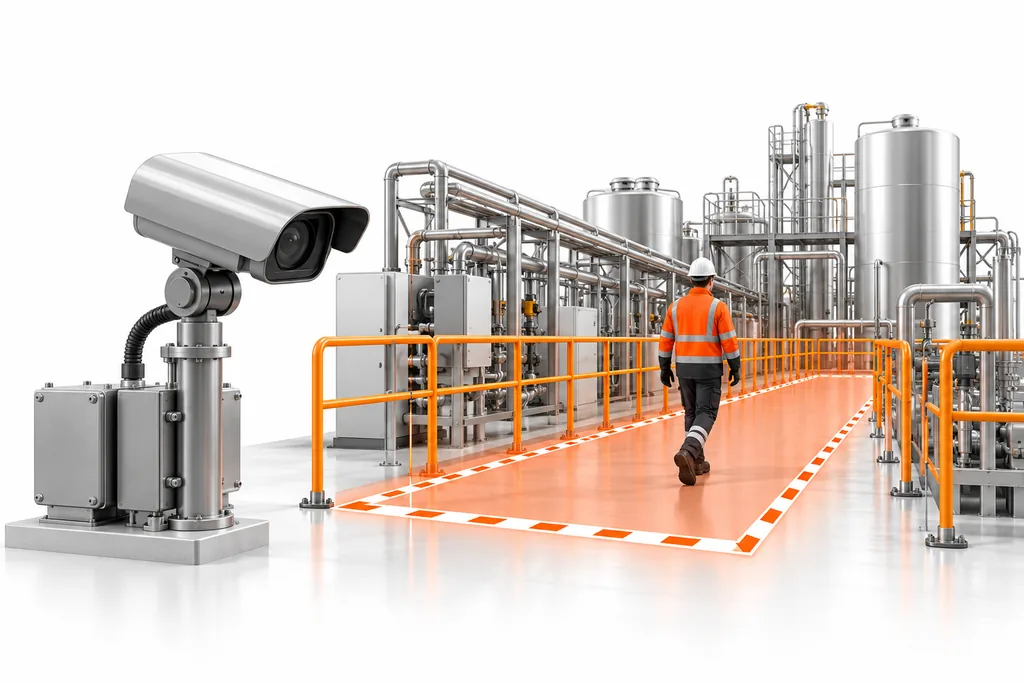
A practical first scope
Choose one defined camera view and an event or count your team can act on.
- Possible output: configured monitoring for the agreed scenario, findings for tested conditions and an operating handover.
- Your contribution: suitable camera access, site rules, representative conditions and a person responsible for reviewing events.
- Quality and value: check missed events, false alerts and review workload before estimating time or cost benefits. People decide the response.
- Next decision: confirm camera suitability and acceptance requirements before extending coverage.
Review defined safety and access events
NeoVision supports visible helmet and vest checks, restricted-area boundaries, after-hours entry, animal entry and visible fire or smoke. Each scenario is assessed against your camera views and site rules. Alerts support supervisor review and work alongside safety inspections, certified detection systems and established response procedures.
Follow an illustrative loading-area count
A warehouse team currently checks footage to reconcile goods moving into and out of a truck. A scoped NeoVision setup can count a defined visible unit at an agreed boundary, keeping loading and unloading directions distinct. The team first confirms camera visibility, overlapping items and the conditions in which counts need manual checking.
The useful output is a count and associated event evidence for the responsible reviewer. A discrepancy becomes a review task; it does not prove theft, identify an individual’s performance or replace the plant’s dispatch controls.
- Define the unit: carton, bag, crate or pallet, with one clear counting boundary.
- Validate the view: test direction, occlusion, stops and repeated movement.
- Review exceptions: compare the record with the plant’s current reconciliation method.
- Record the response: assign the discrepancy to an owner and retain the agreed evidence.
Count movement at agreed boundaries
NeoVision can count people within configured zones, track entry and exit, and flag agreed occupancy thresholds. It can also record defined goods moving into or out of a truck, keeping loading and unloading totals distinct. Visible cartons, bags, crates or pallets are possible counting units; each unit and camera view needs site validation, especially where items overlap or become obscured. Occupancy counting measures numbers of people rather than identifying individual employees.
Check readable vehicle plates
A readable plate can be compared with the plant's approved vehicle list. A plate without a match is flagged for security review. Image quality and plate readability affect the check. Your security team reviews the evidence and retains the access decision. An unreadable plate is marked for review; it is not classified as an unregistered vehicle.
Give each event an owner
A configured event or threshold produces an evidence record with the camera, time and event details. The agreed workflow routes it to a recipient, assigns an owner and records the response and closure. Notification options include the plant dashboard and email through SMTP. Other channels and their connectivity are scoped separately.
Your team agrees recipients, thresholds and escalation rules. Counts can trigger configured updates without sending a notification for every item. Supervisors review evidence before acting; a recorded alert does not establish that an incident has been correctly identified or resolved.
Prepare the site and validate the result
Compatible RTSP or ONVIF feeds are assessed for coverage, lighting and image quality. Your plant provides the agreed camera streams, network access, customer-owned compute, local storage, site rules, validation inputs and response owners. NeoBram scopes the scenarios, sets up and calibrates the software, conducts agreed acceptance checks, and provides training and agreed support.
Compute and storage sizing depend on stream count, resolution, concurrent scenarios and evidence-retention requirements. Delivery follows four steps: scope the scenarios, connect the streams and compute, validate agreed conditions, and hand over to the trained team. We agree who handles support, updates and day-to-day operation before work starts.
Agree what your team receives and checks at handover
The delivery scope should identify the configured scenarios and cameras, site settings, tested conditions, evidence-retention arrangement, trained users and agreed support. Your acceptance record should show missed events, false alerts or count errors for the relevant conditions, rather than one general accuracy claim.
Include time spent checking alerts and correcting counts in the benefit assessment. A busy notification channel can increase workload even when detection works. Confirm who handles camera outages, changed views and scenario updates, and what the team does while monitoring is unavailable. Expand only after the responsible people can operate and review the first setup.
More clarity
Questions and answers
Can detection work without internet access?
Local detection and evidence can stay on site. External notifications require the connectivity agreed for those channels.
Will every existing camera be suitable?
No. Feed compatibility alone does not establish sufficient visibility, lighting or resolution for a particular scenario.
Does NeoVision include detailed product inspection?
NeoVision covers the plant-video scenarios described on this page. Product or packaging defect inspection has different image and workflow requirements and is assessed as a separate computer-vision project.
How do we manage false alerts?
Test representative operating scenes, tune boundaries and thresholds on development examples, and check missed events and false alerts on separate test scenes. Supervisors review the evidence before acting. Include review time and corrections when assessing value.
How is a NeoVision project priced?
A tailored proposal covers the cameras and scenarios in scope, compute requirements, integrations and support. A camera count alone does not determine the full scope or price.
Can NeoVision replace a safety system or security officer?
No. It supports review of configured visible events alongside established procedures and certified systems. Authorized staff assess the evidence and decide the response.
How do we start without monitoring every camera?
Choose one useful scenario, a bounded set of suitable views and a named response owner. Test the complete alert or counting workflow before extending to other areas.
Start with one business problem